Printed instructional materials play a quiet but essential role in how customers interact with a product. Whether it is a simple setup sheet, a fold-out guide, a safety label, or a quick-start card, these materials carry the information that helps users assemble, install, or operate the product correctly. When they are clear and well designed, they prevent confusion, reduce misuse, and create a smoother first-use experience. When they are unclear or poorly printed, customers feel frustrated long before they even start using the product.
Across industries such as electronics, home improvement, medical devices, consumer packaged goods, and personal care, printed instruction sheets are also a critical part of compliance. They support safety communication, reduce liability risk, and reinforce brand trust.
This guide explains the key elements of designing, printing, and integrating effective instructional materials, along with practical considerations for substrate choice, durability, workflow, and cost efficiency.
TL;DR — Key Takeaways
Printed instructional materials are more than add-ons; they guide safe use, reduce returns, and protect brands from compliance or liability issues.
Choose the right format (insert sheet, leaflet, sticker, on-pack label, etc.) based on product complexity, use-case, and distribution environment.
Substrate (paper, coated paper, synthetic, label-stock) and printing method (digital / offset / flexo) determine durability, readability, cost, and suitability.
Durable finishing (coatings, proper folds, tear/moisture-resistance) and quality control/testing are vital when instruction sheets go through packing, transport, or frequent handling.
For efficient, cost-effective instructionals — use smart layout, standardize sizes, optimize ink coverage, and align printing method with run size.
What Are Printed Instructional Materials?
Printed instructional materials are the physical guides, inserts, labels, and sheets that accompany a product to help the end-user understand how to assemble, use, install, or care for it. These materials are an essential part of the packaging system because they support safe usage and create a smoother first-use experience. They appear across many product categories and can take the form of single sheets, folded leaflets, manuals, cards, or printed labels applied directly onto the packaging.
Printed instructionals serve several roles: they communicate required steps, highlight hazards, provide warranty details, and clarify handling instructions. For many products, they are not optional but required for compliance and liability protection.
Why Printed Instructional Materials Matter
Instructionals directly influence how well users understand your product. They also help reduce operational and legal risks for the brand. Clear, well-designed materials support a positive unboxing experience and reduce confusion during installation or assembly.
High-quality printed instruction sheets or inserts help:
reduce customer errors and misuse
limit return rates related to misunderstanding
support compliance for regulated products
strengthen brand trust during first use
lower support tickets and setup-related questions
Users rely on the clarity, accuracy, and durability of printed instructions. When the information is easy to follow, the entire customer experience improves.
Common Types of Printed Instructional Materials
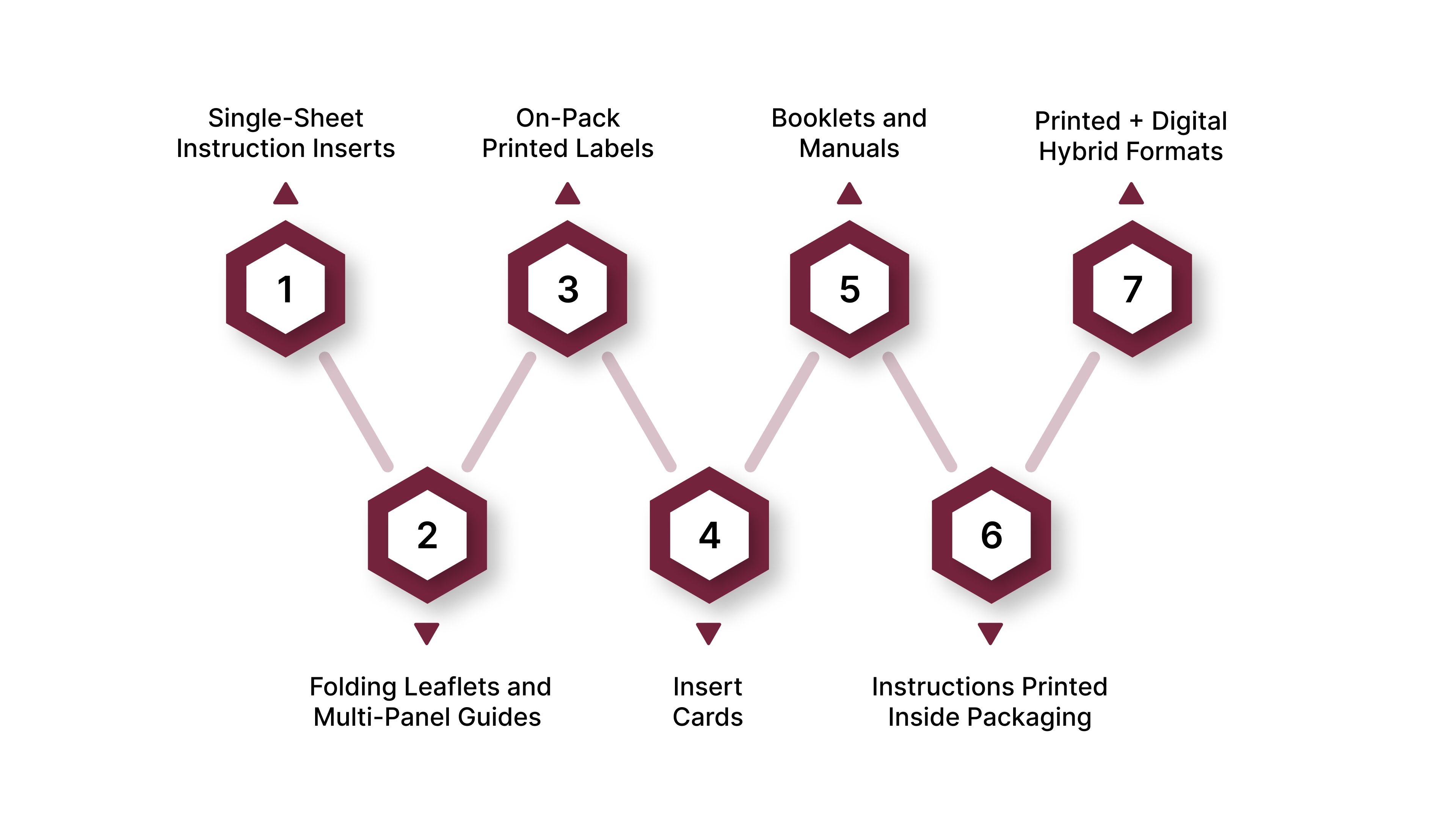
Instructional materials come in multiple formats, each serving a different purpose depending on product complexity, packaging style, and handling environment.
1. Single-Sheet Instruction Inserts
Simple, flat sheets that provide basic steps or essential warnings. Used for small appliances, lightweight consumer products, and items with straightforward setup.
2. Folding Leaflets and Multi-Panel Guides
These provide more detailed information without taking up extra space. They fold into compact sizes to fit inside cartons or trays and expand to show diagrams, multi-step instructions, or safety content.
3. On-Pack Printed Labels
Pressure-sensitive labels printed with instructions. These are ideal when instructions must remain attached to the product, such as safety warnings, quick reminders, or usage guidelines.
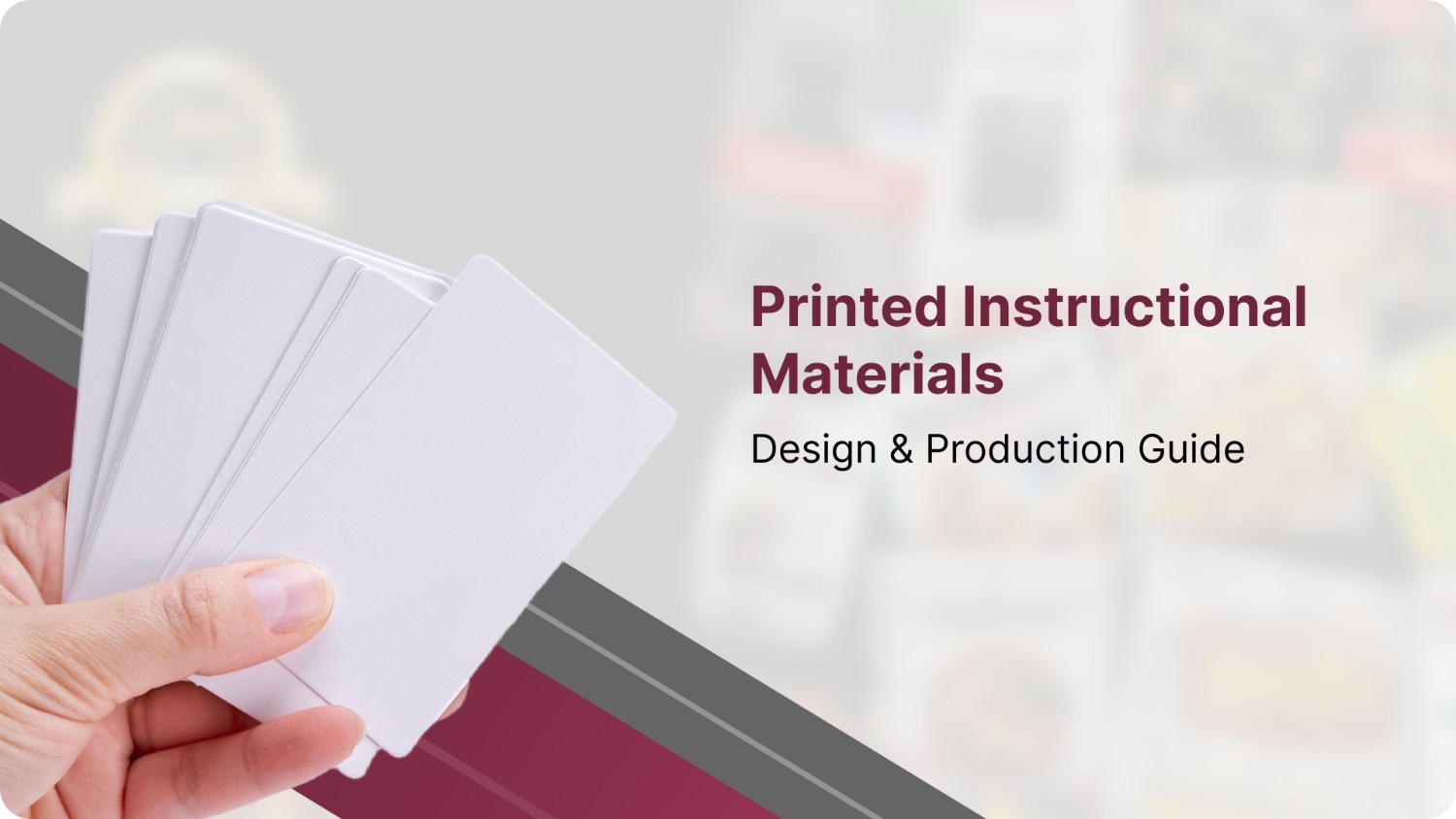
4. Insert Cards
Stiff cards are used for simple instructions, branding messages, or QR-based hybrid guidance. Common in cosmetics, electronics, accessories, and lifestyle products.
5. Booklets and Manuals
Multi-page documents for products that require more in-depth explanation, maintenance steps, or troubleshooting guidance.
6. Instructions Printed Inside Packaging
Some brands choose to print instructions directly on the inside of chipboard or corrugated packaging. This reduces loose components and simplifies fulfillment.
7. Printed + Digital Hybrid Formats
Short printed quick-start instructions paired with a QR code linking to an extended online manual or video guide. This is increasingly common for electronics, home improvement products, and subscription boxes.
Design Principles for Effective Instructional Materials
Design determines how easily a user can follow instructions. The goal is to make information clear at a glance and intuitive for users with varying skill levels.
Clear instructional design includes:
presenting essential steps first
using short, numbered actions
supporting text with icons and illustrations
choosing legible type sizes and high-contrast layouts
highlighting warnings and caution statements
simplifying language and avoiding ambiguity
planning for multilingual versions early in the process
Well-designed instruction materials reduce confusion, save time during setup, and create a more professional product experience.
Choosing the Right Substrate for Instructional Materials
The material used for printed instructional materials affects durability, print quality, handling during packing, and overall cost. Selecting the right substrate ensures the instructions remain readable and intact throughout the product’s lifecycle.
1. Uncoated Paper
Uncoated paper is economical and suitable for instruction sheets placed inside dry, controlled environments. It absorbs ink well but offers less resistance to wear or moisture.
2. Coated Paper (Matte or Gloss)
Coated paper provides a smoother surface and sharper print quality. It has better resistance to smudging and abrasion, making it a strong choice for multi-panel leaflets, manuals, or instructions that need more durability.
3. Synthetic Papers
Synthetic substrates such as polypropylene or specialized tear-resistant materials are used when instructions may encounter moisture, oils, or rough handling. They resist tearing, warping, and ink smearing, which makes them suitable for outdoor products, tools, or industrial equipment.
4. Label Stocks for On-Pack Instructions
Pressure-sensitive label materials are used when instructions need to remain attached to the product. These labels can be placed on bottles, jars, machinery surfaces, or packaging exteriors for easy reference.
5. Selecting the Right Substrate
The substrate should match the product’s environment. Indoor consumer goods can use coated or uncoated paper, while tools, appliances, or moisture-prone items benefit from synthetic materials or coated stocks.
Printing Methods for Instruction Sheets and Inserts
The printing method affects cost, color accuracy, run size efficiency, and turnaround time. Choosing the right method ensures clarity and consistency across large production volumes.
1. Digital Printing
Digital printing is suitable for small runs or projects requiring variable data such as batch codes, multilingual variations, or version changes. It offers fast turnaround and accurate color reproduction for short quantities.
2. Offset Printing
Offset printing is the best option for medium to large volumes. It produces high-quality color and offers strong cost efficiency at scale. Most instruction sheets and folded leaflets are produced using offset presses due to their consistency and sharp print output.
3. Flexographic Printing
Flexo printing is used for high-volume label production and certain continuous-run instructional formats. It is ideal for pressure-sensitive labels that must adhere to packaging surfaces.
4. Prepress Essentials
Accurate prepress preparation ensures error-free printing. This includes proper dielines, bleeds, safe areas, color profiles, and readable minimum type sizes for small prints. Clear prepress files reduce rework and guarantee alignment with packaging tolerances.
Durability Requirements for Instruction Sheets and Inserts
Instructional materials must withstand packing, transport, and user handling. Durability ensures the instructions remain legible and intact from production to end use.
1. Moisture and Abrasion Resistance
Coatings such as aqueous varnish, UV coating, or film lamination protect against smudging, ink rub, and incidental moisture. These finishes extend the lifespan of printed materials in environments prone to humidity or frequent handling.
2. Fold Endurance and Tear Resistance
Repeated folding or tightly creased sections can weaken materials. Using correct grain direction, appropriate paper weights, and reliable scoring improves fold durability and prevents cracking or tearing.
3. Print Curing and Finishing
Proper ink curing ensures colors do not smear or transfer during packing. Smooth finishing also helps inserts slide into cartons without catching on edges.
4. Testing Methods
Testing helps confirm that the instructional material will perform under real conditions. Common tests include rub resistance, humidity exposure, fold endurance, and ink adhesion checks.
Cost Optimization Strategies for Instructional Materials
Cost-effective instructional materials balance clarity, durability, and production efficiency. Small adjustments in format, layout, and print method can significantly reduce per-unit cost.
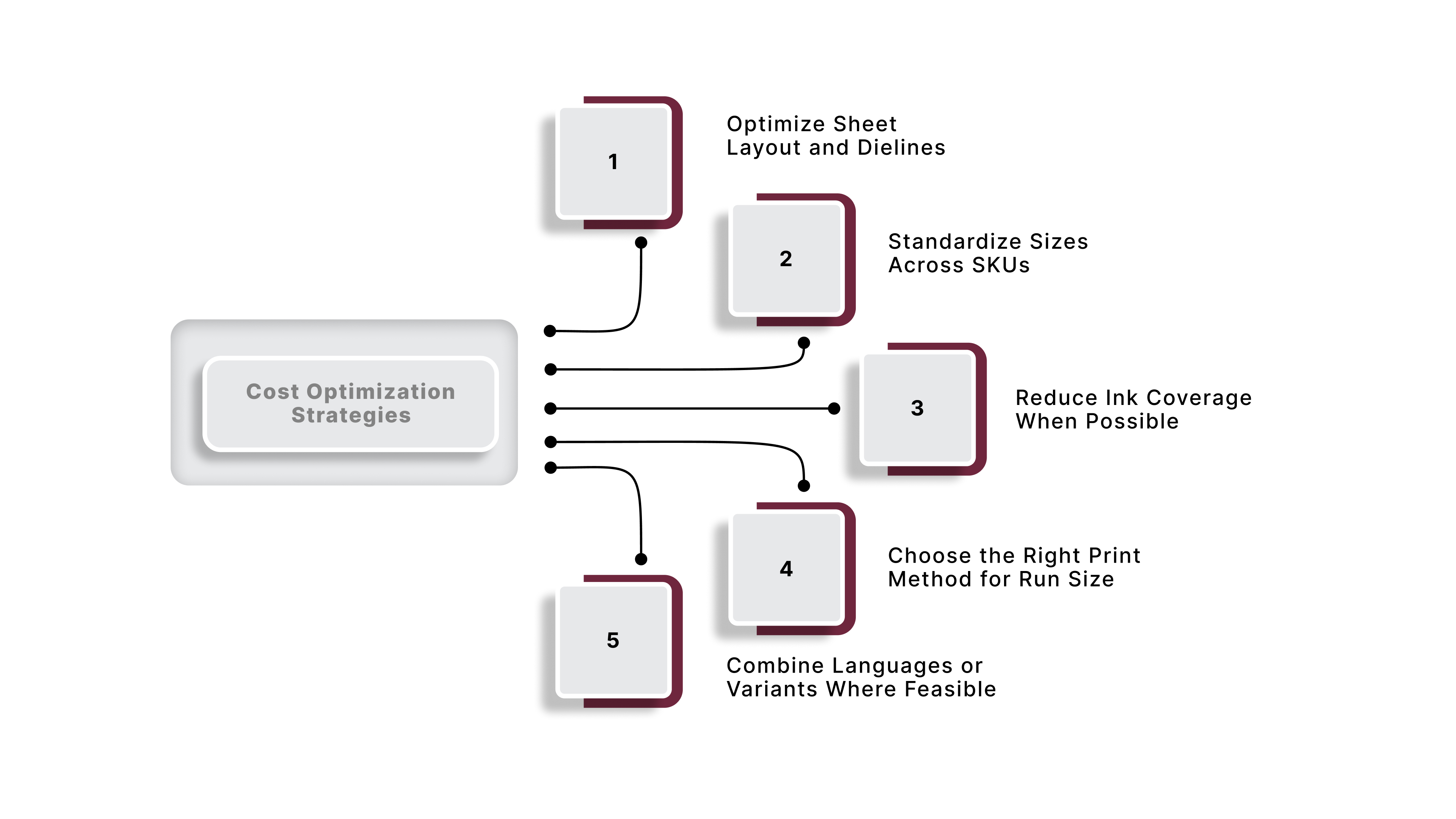
1. Optimize Sheet Layout and Dielines
Efficient layout planning reduces paper waste. Grouping multiple instruction pieces onto a single sheet and trimming efficiently helps lower overall costs, especially for large runs.
2. Standardize Sizes Across SKUs
Using consistent dimensions for instruction sheets or inserts simplifies production and avoids custom tooling costs. Standardized formats also improve packing efficiency during fulfillment.
3. Reduce Ink Coverage When Possible
Full-bleed or heavy ink layouts are more expensive and can slow production. A cleaner design with limited coverage often prints faster and at lower cost while maintaining clarity.
4. Choose the Right Print Method for Run Size
Digital printing works best for low-volume or frequently updated materials. Offset printing becomes more economical as volume increases. Matching the method to the run size ensures the best unit cost.
5. Combine Languages or Variants Where Feasible
If regulations allow, combining multiple languages or SKU variations into a single well-designed leaflet can cut print volume and reduce inventory complexity.
Integrating Instruction Sheets With Packaging and Fulfillment
Instructional materials must fit smoothly into the packaging workflow. Proper integration reduces packing errors, prevents damage, and ensures consistent placement.
1. Decide When and Where the Insert Is Added
Instructionals can be placed during product assembly, manual packing, or at the final fulfillment stage. Choosing the right moment prevents wrinkles, tearing, or misalignment.
2. Ensure Proper Fit Within Cartons or Trays
Instruction sheets must align with the internal dimensions of chipboard or corrugated packaging. Accurate sizing avoids bending or jamming during insertion.
3. Manage Inventory Across Multiple SKUs
High-SKU operations benefit from organized storage and labeling systems for different instruction sheets. Clear identification reduces packing mistakes and rework.
4. Quality Checks at Pack Stations
Packers should verify that each unit includes the correct instructional material. Periodic checks prevent mispacks and maintain consistency across shipments.
When Printed Instructional Materials Need Redesign
Instruction materials should be reviewed regularly to ensure they still meet user, product, and regulatory requirements. Several signs indicate that a redesign is necessary.
1. Increase in Customer Confusion or Support Calls
If customers frequently misunderstand steps, assembly order, or safety procedures, the instructions likely need a clearer layout or wording.
2. Frequent Damage During Packing or Transit
Torn edges, wrinkled inserts, or smudged print quality suggest changes in substrate, coatings, or folding methods may be required.
3. Product Updates That Render Instructions Incomplete
New features or changes to components require prompt updates to instructional content.
4. Regulatory or Compliance Changes
Updates to warnings, labeling requirements, or safety standards must be reflected in printed materials to avoid compliance issues.
5. Unreadable Type or Poor Contrast
If small type or low contrast leads to legibility issues, the design and hierarchy need improvement.
How GMS Industries Supports Printed Instructional Materials
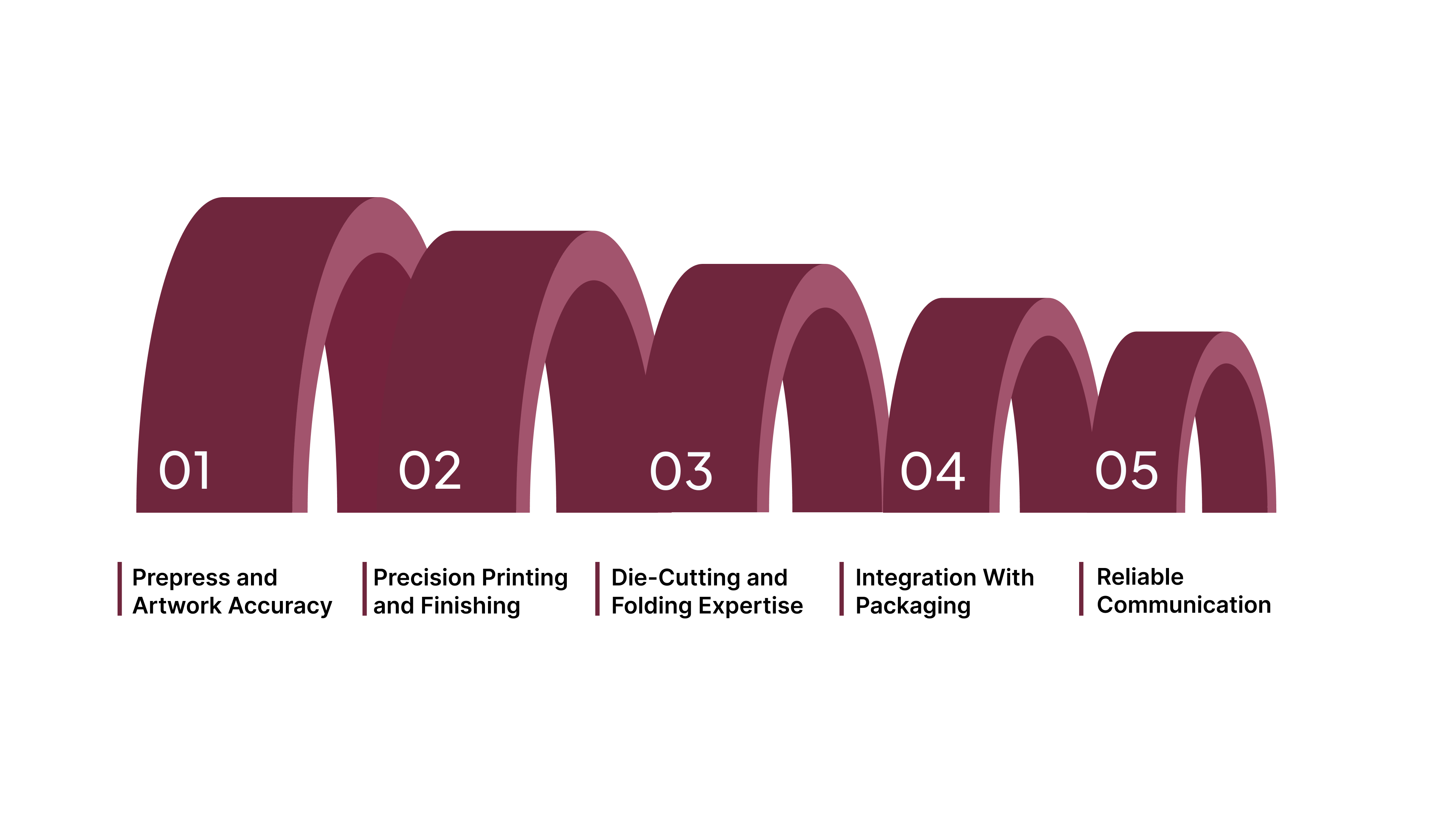
GMS Industries produces high-quality printed instruction sheets and supports their full integration within packaging programs. Their capabilities ensure that instructional materials are accurate, durable, and compatible with the rest of the packaging system.
Prepress and Artwork Accuracy
GMS reviews dielines, fold patterns, and print specifications to ensure clean alignment, legible type, and consistent output across runs.
Precision Printing and Finishing
Their printing and finishing processes help maintain clarity, prevent smudging, and produce consistently folded or trimmed inserts that fit packaging correctly.
Die-Cutting and Folding Expertise
Instruction sheets often require precise folds or custom shapes. GMS ensures that the structure aligns with the product’s packaging and can be inserted efficiently.
Integration With Packaging and Fulfillment
By producing both printed instructionals and packaging elements like chipboard boxes, cartons, and labels, GMS ensures all components fit together seamlessly during packing and distribution.
Reliable Communication and Long-Term Support
Accurate printed instructions depend on clear communication. GMS provides consistent updates, supports changes or reprints, and ensures materials are delivered on time for production schedules.
Conclusion
Printed instructional materials are a critical part of the product experience. Clear design, durable substrates, accurate printing, and thoughtful integration with the packaging workflow ensure that customers can use products confidently and safely. Well-produced instruction sheets reduce returns, prevent misuse, and strengthen brand perception at the moment a customer opens the packaging.
If you need support producing high-quality instructional materials or integrating them into your packaging system, GMS Industries can help you select the right format, substrate, and printing approach for your product. Contact us Today!
Frequently Asked Questions (FAQs)
Q: Why are printed instruction manuals often required even if digital guides exist?
A: For many product categories, especially regulated goods, medical devices, children’s toys, appliances or electronics, regulations mandate that instructions and safety warnings must accompany the product in physical form. A digital link alone (QR, website) is often not sufficient.
Q: What makes a good instruction sheet compared to a poor one?
A: A good instruction sheet is clear, concise, and structured. It uses numbered steps, short sentences, icons or illustrations to support text, legible fonts, and appropriate warnings. It matches the product environment, for example, using coated or synthetic stock for moisture-prone or outdoor items to ensure durability.
Q: Is printing on synthetic paper or using laminated stock always necessary?
A: Not always. If the product is dry, used indoors, and instructions are only read once (for assembly or first use), standard coated or uncoated paper may suffice. For products exposed to moisture, oils, repeated handling, or those stored long term, synthetic or coated substrates with protective finishes are worth the extra cost to ensure legibility and longevity.
Q: For small production runs or frequent updates, which printing method is best?
A: Digital printing works best for small runs, variable data (batch codes, multilingual variants), or frequent updates. For larger, stable runs with standard content, offset printing offers lower per-unit cost and high print fidelity.
Q: How can brands keep instructionals cost-effective while maintaining quality?
A: They can standardize instruction-sheet sizes, optimize sheet layout and dielines to reduce waste, limit excessive ink coverage, use efficient printing methods, and combine language or SKU variants when possible. These measures reduce material and printing costs without sacrificing clarity or durability.
Q: How can instruction sheets be integrated seamlessly into the packaging and fulfillment workflow?
A: By designing sheet size and fold style to match packaging cavities (cartons, trays, boxes), clearly planning insertion steps in packing, managing inventory for different SKUs, and implementing QC checks to ensure instructions are included in every pack.